A tour of the site
Folders
Section titled “Folders”The left column is your folder tree, with the number of models below each folder. A folder page shows its subfolders as tiles (a mosaic of the first four previews inside) and its models as cards.
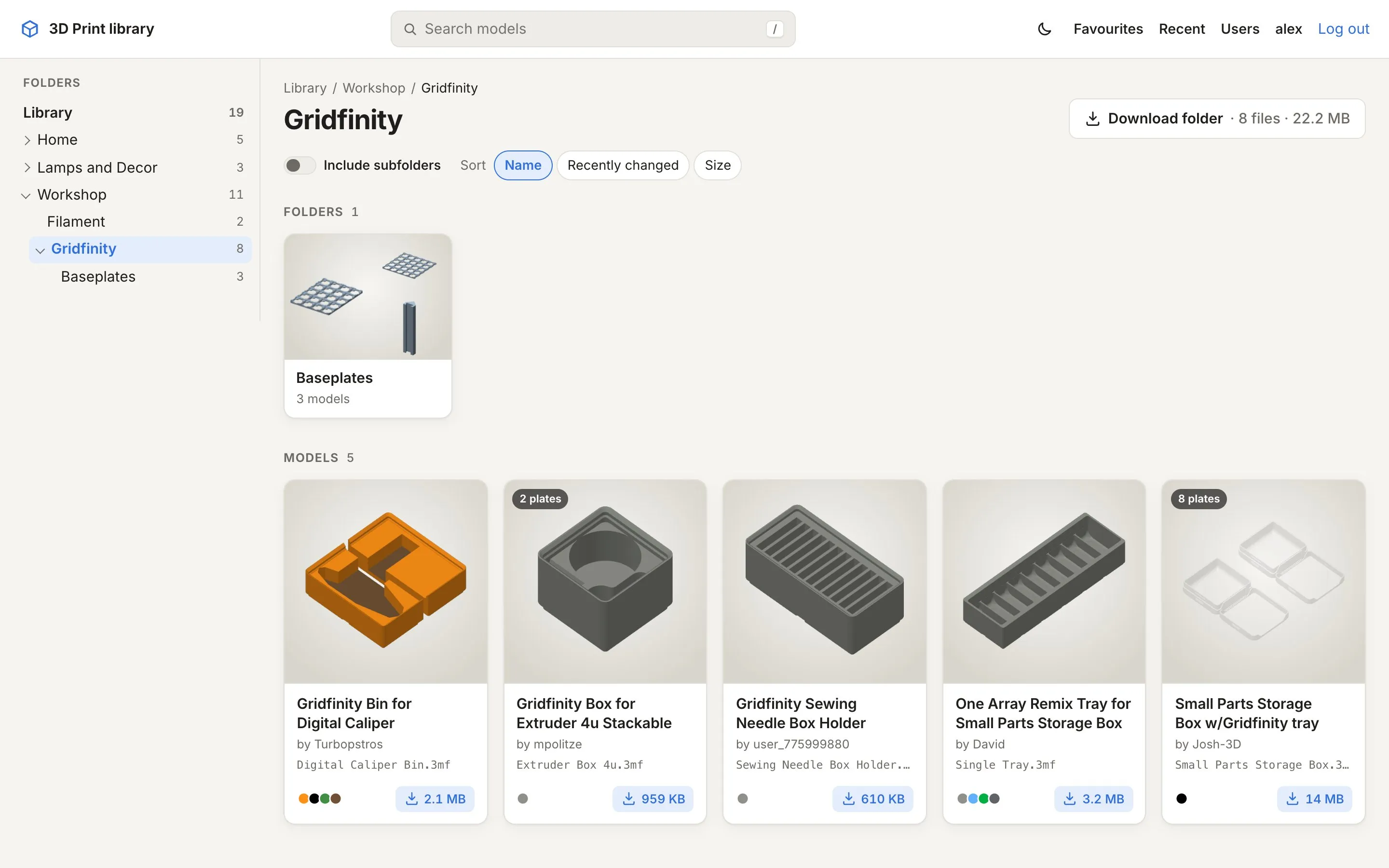
Each card shows the preview (the first plate), the number of plates, the title from the file (or the file name), the designer, the filament colours and the size. Hover over a card to star it as a favourite; the size button downloads the file.
Above the cards:
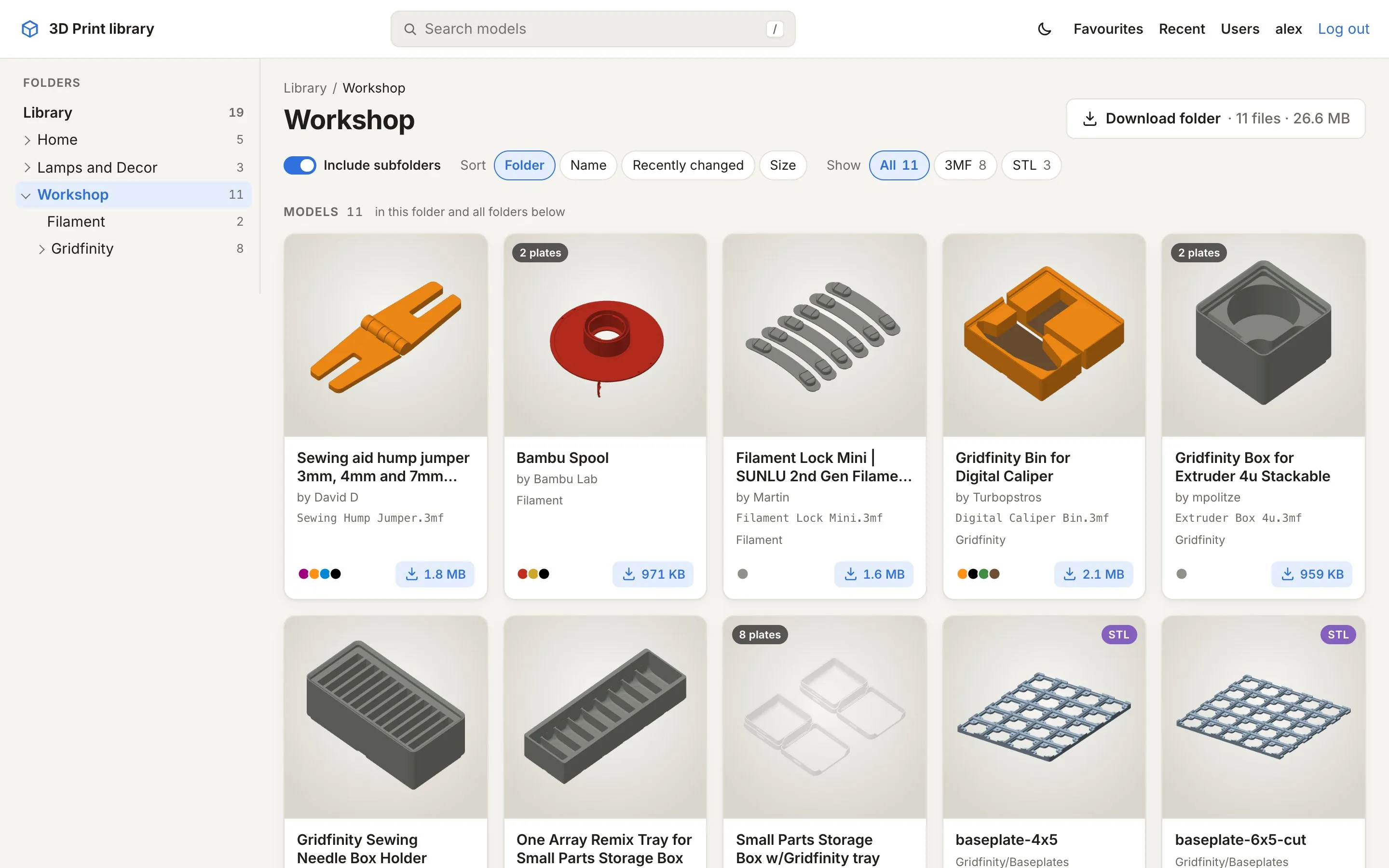
- Include subfolders shows every model below this folder in one grid, with the subfolder on each card. Handy for kits that are split over many folders.
- Sort by name, recently changed or size (and by folder when subfolders are included).
- Show all models, only 3MF or only STL, when a folder has both.
- Download folder gives you the whole folder, subfolders included, as one ZIP.
A model’s page
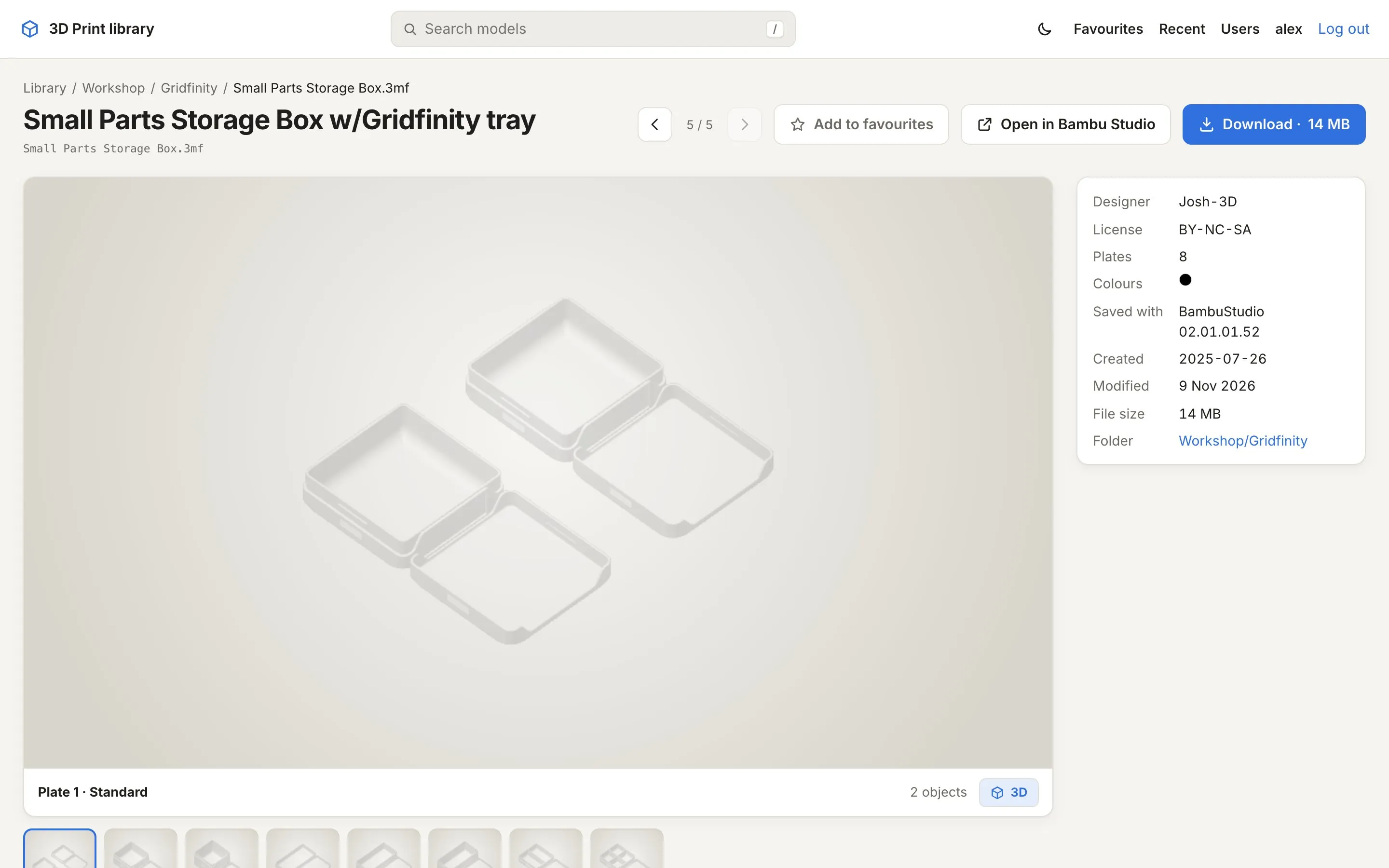
Section titled “A model’s page”Click a card to open the model. You see the plate preview large, all plates underneath, and the details on the right: designer, licence, plates, dimensions, print time and filament (as estimated when the file was saved), colours, the slicer that saved it, and the folder.
Below that come the photos and the description that MakerWorld puts in its downloads. The buttons at the top:
- ← / → go to the previous and next model in the same folder (the arrow keys do the same).
- Add to favourites stars the model.
- Open in … sends it to your slicer. See Open in your slicer.
- Download downloads the file.
On a wide screen the page uses three columns, so preview, details, description and photos fit side by side:
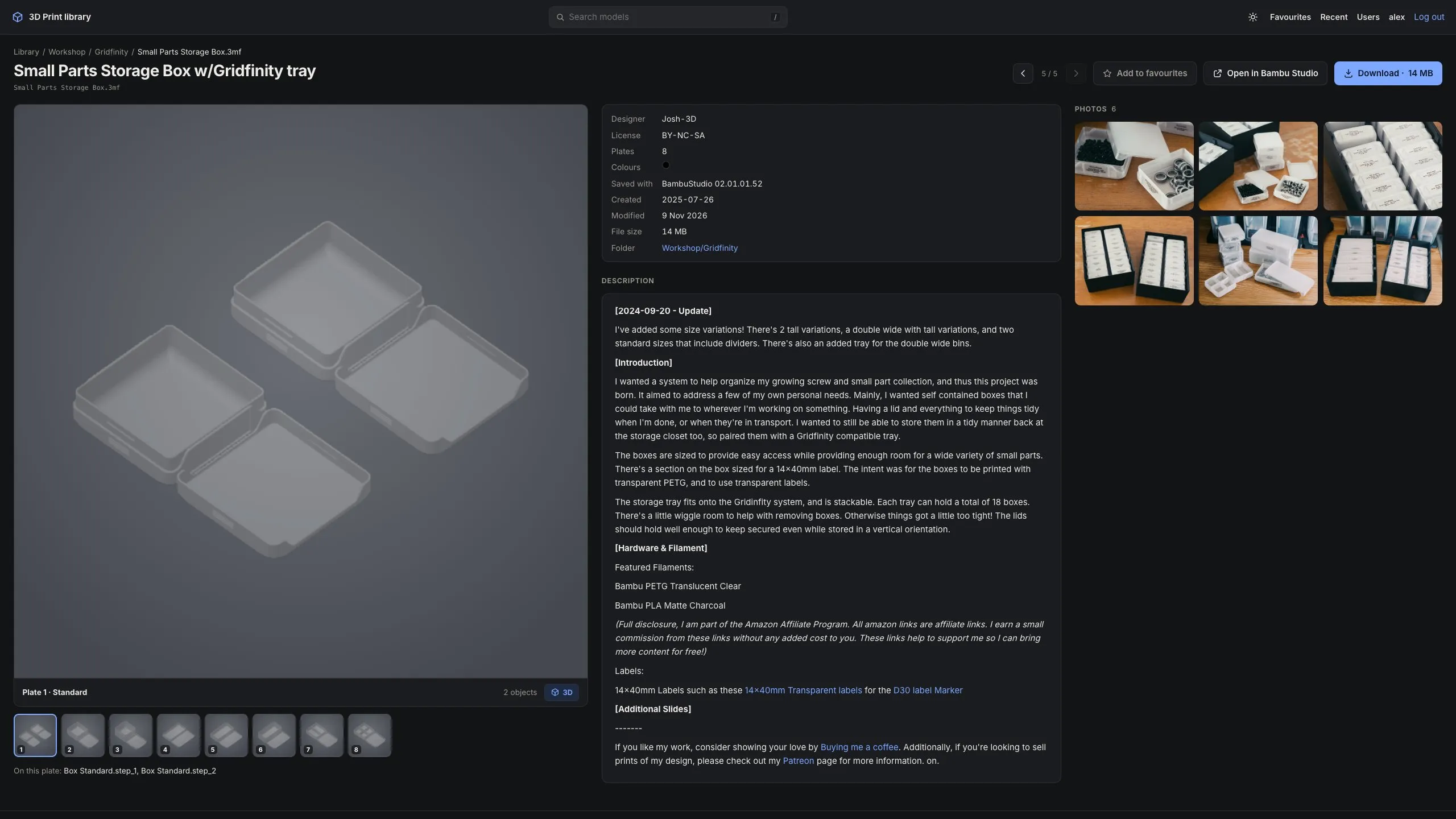
The 3D viewer
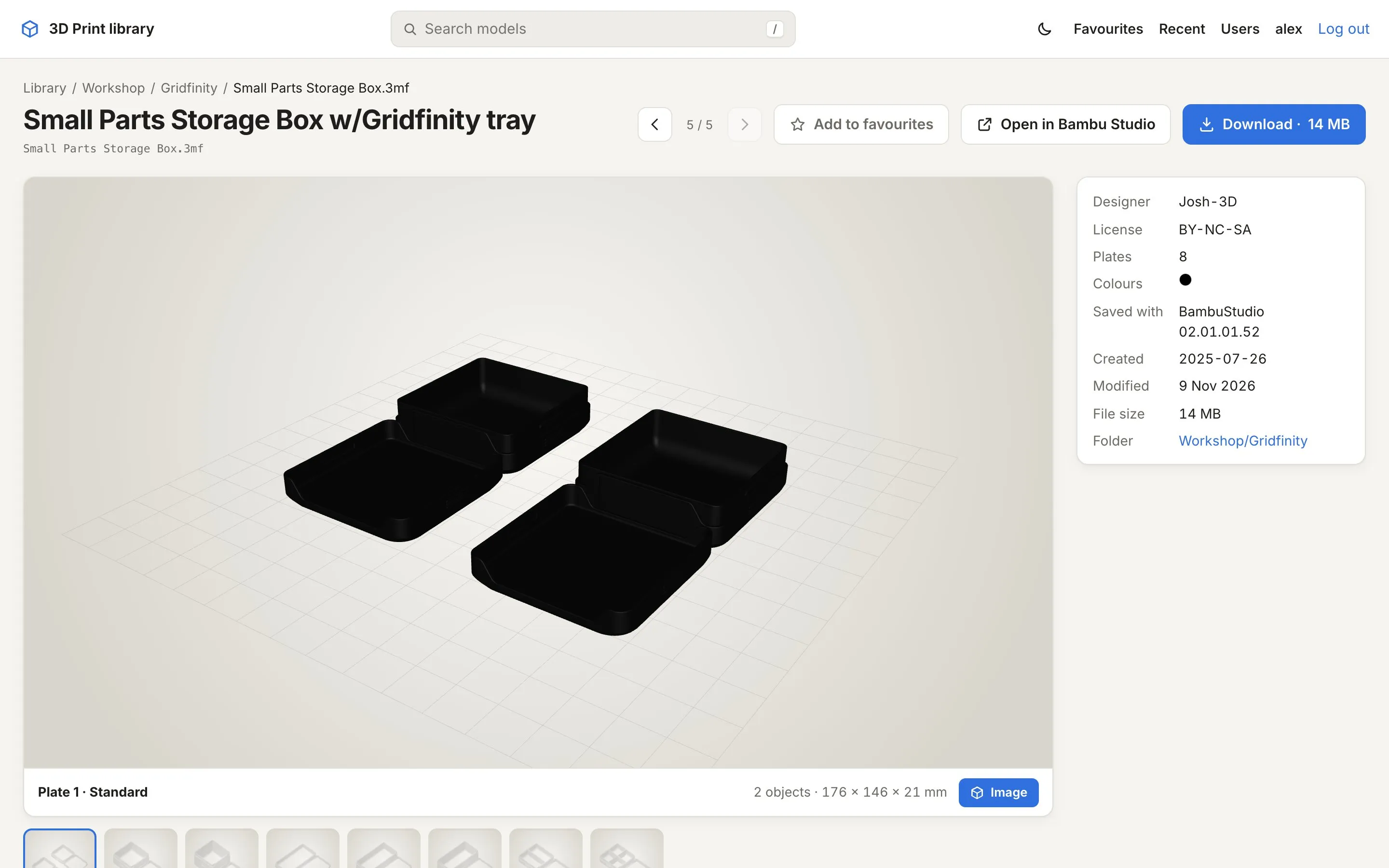
Section titled “The 3D viewer”The 3D button below the preview swaps the image for an interactive model of the selected plate. Drag to rotate, scroll or pinch to zoom, right-drag (or two fingers) to move. Picking another plate keeps the 3D view on that plate. Very detailed models are simplified for the browser; the file you download is untouched.
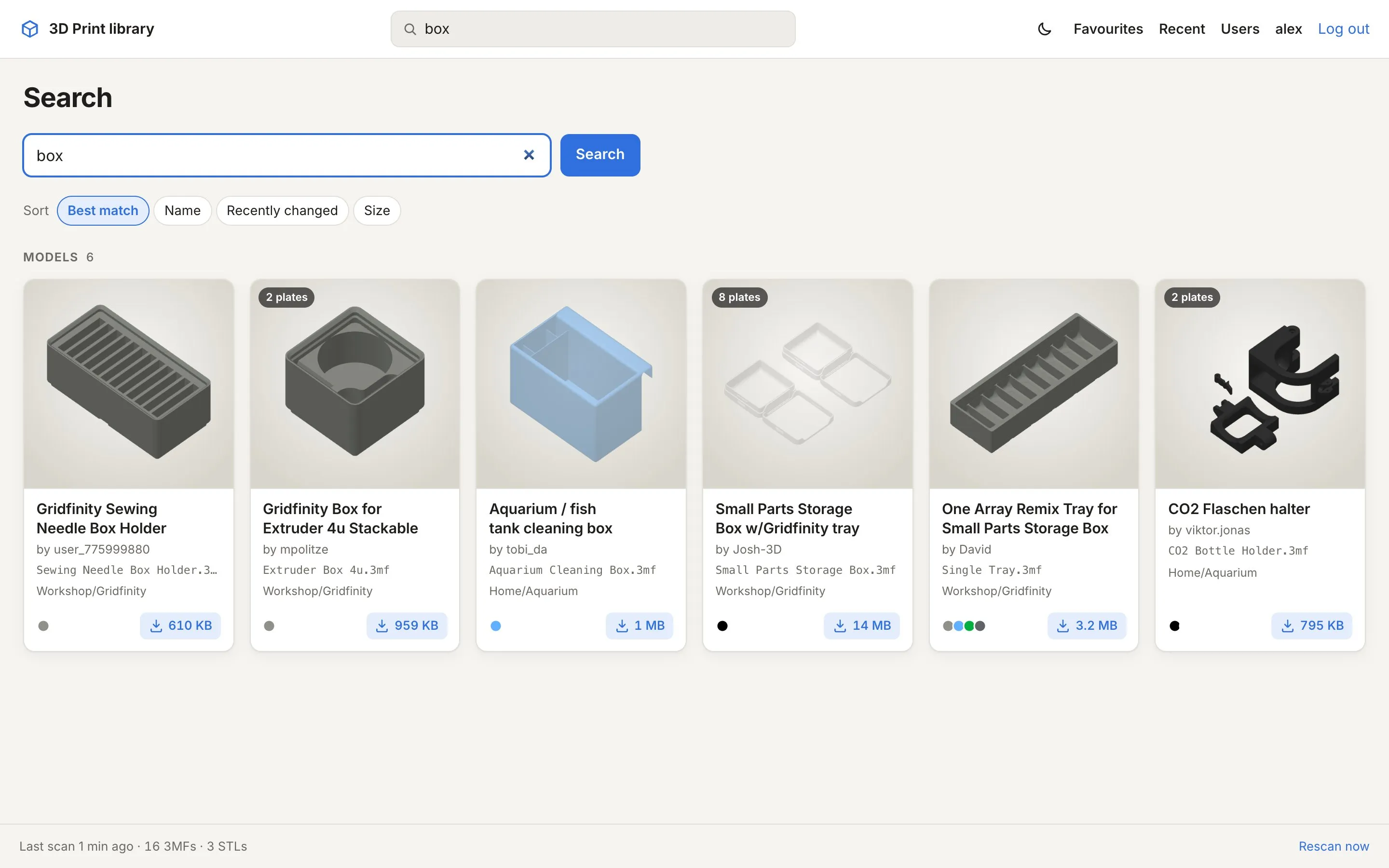
Search
Section titled “Search”The search box at the top searches file names, titles, designers, folder names and the names of the parts inside a 3MF. Words match the start of a word: “lamp” finds “Lampshade”, “shade” doesn’t. Matching folders are listed first; models can be sorted by best match, name, date or size, and filtered to 3MF or STL.
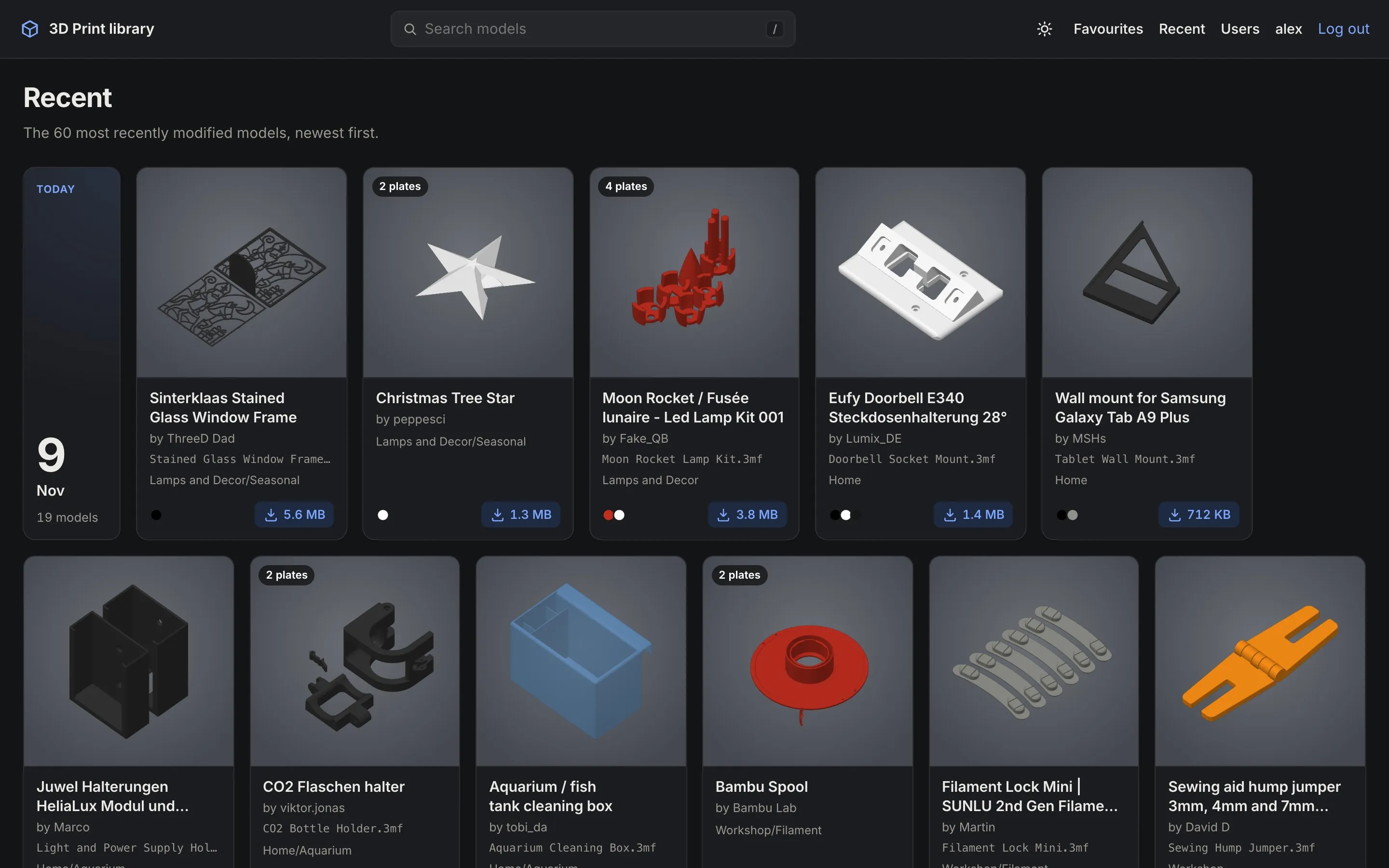
Recent and favourites
Section titled “Recent and favourites”Recent shows the 60 most recently changed models, grouped by day. Favourites shows what you starred. Favourites are per account; everyone who uses the site from the home network without logging in shares one list.
Light and dark
Section titled “Light and dark”The site follows your device’s light or dark setting. The moon/sun button in the header switches for this browser; Account → Appearance goes back to following the system.
Keyboard shortcuts
Section titled “Keyboard shortcuts”| Key | |
|---|---|
/ |
Jump to the search box |
← → |
Previous / next model in the folder (on a model’s page) |
When something isn’t there
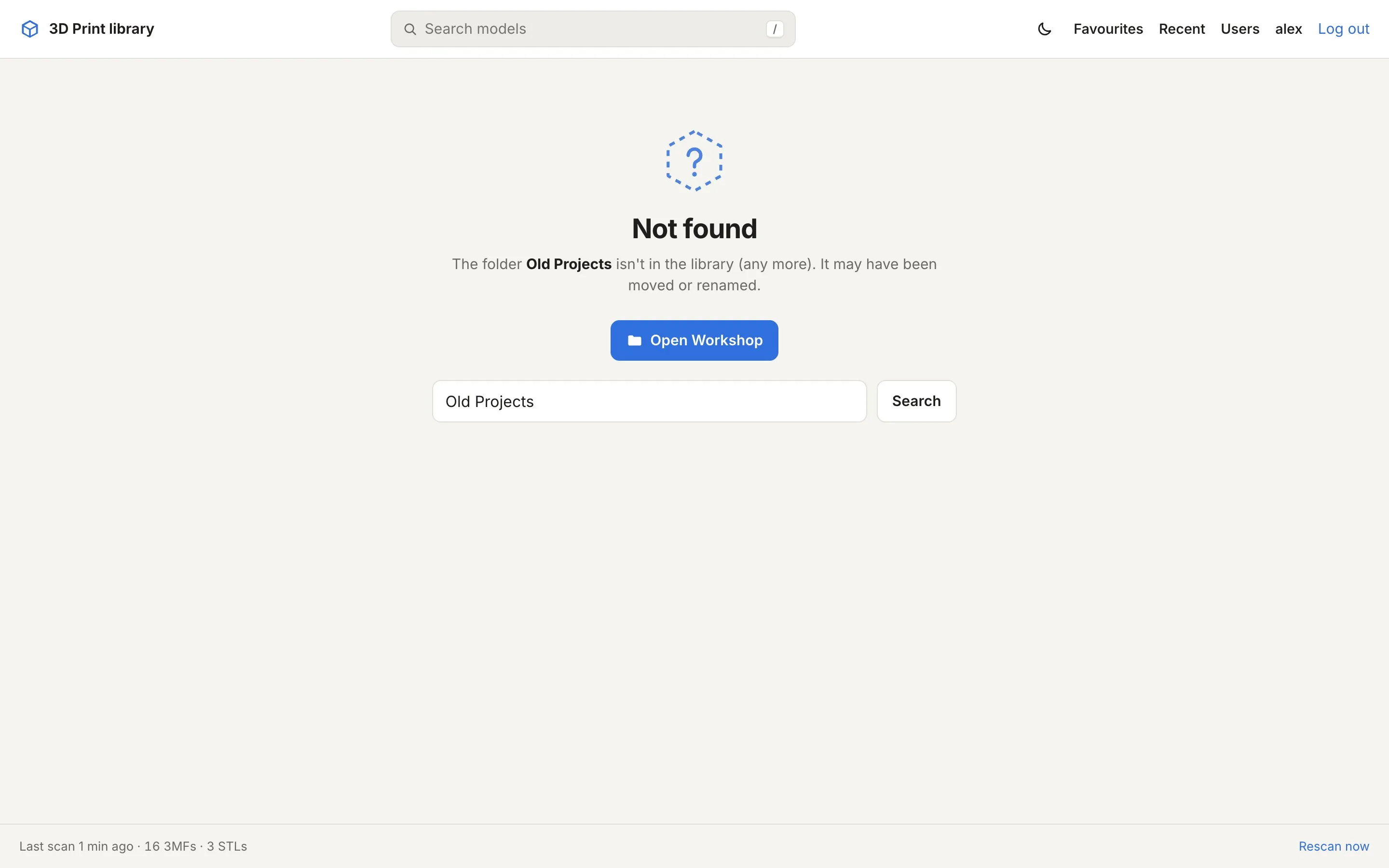
Section titled “When something isn’t there”Old links and models that were moved or renamed get a “Not found” page that points to the nearest folder that still exists, with a search for the name already filled in.