
The first account
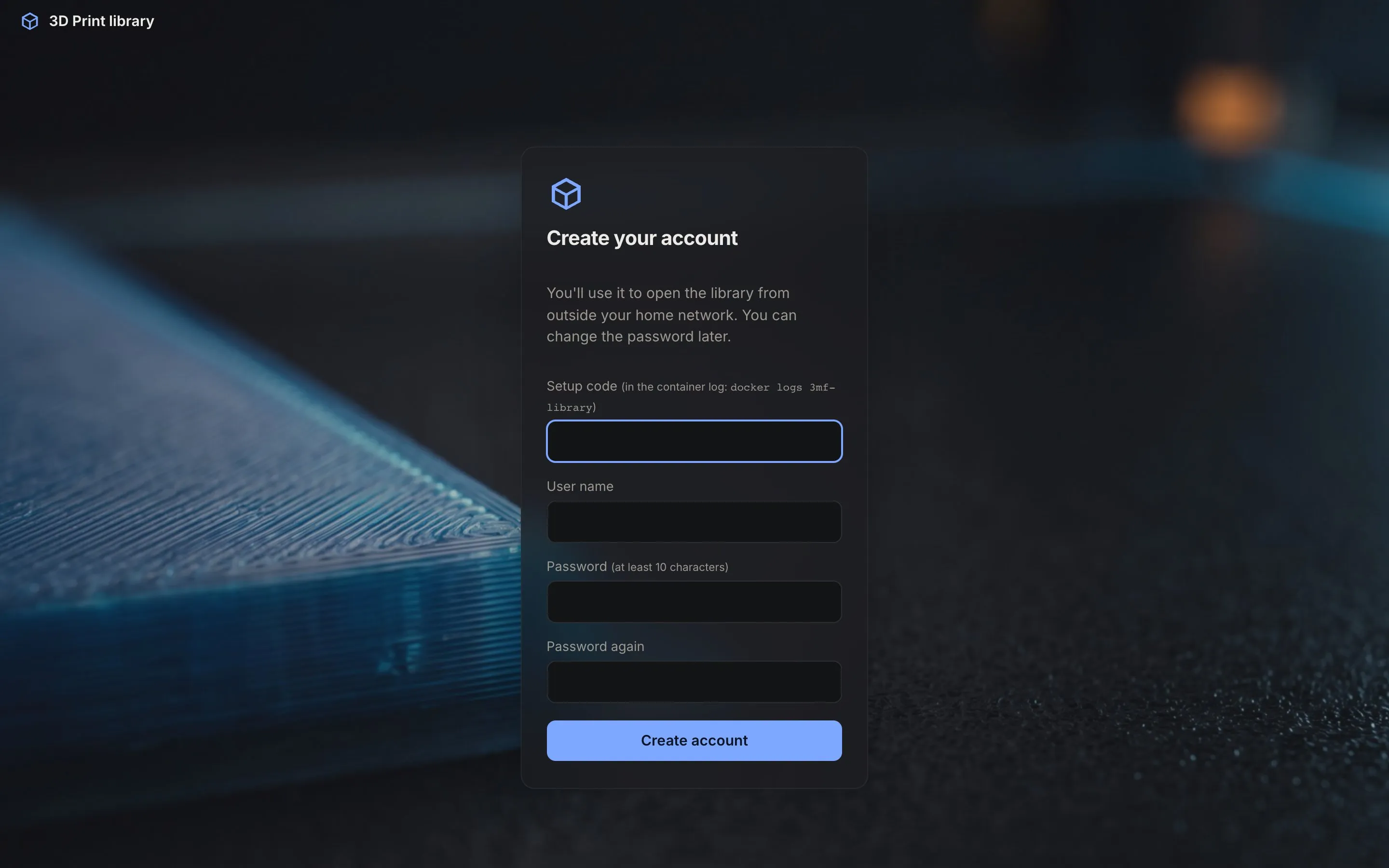
On a fresh installation the site asks you to create the first account. That account is an admin: it can add other
people later. How you get to that page depends on TRUSTED_NETWORKS.
With a home network (TRUSTED_NETWORKS set)
Section titled “With a home network (TRUSTED_NETWORKS set)”Open the site from a computer on that network, directly on its own address (http://<server>:8085, not through a
reverse proxy). The setup page appears; choose a user name and a password of at least 10 characters.
From the home network you never need to log in; the account is for using the site away from home.
Without a home network
Section titled “Without a home network”Then anyone who reaches the site could open the setup page, so it asks for a setup code as well. The code is printed in the container log when the site starts:
docker logs 3mf-library | grep "setup code"No account yet. Open /setup and use this setup code to create the first (admin) account: K7MQ-2XWDOnly someone who can read the server’s log has it. Upper or lower case and the dash don’t matter.
Through a proxy: never
Section titled “Through a proxy: never”The first account can’t be created through a reverse proxy, even with a setup code. Open the site directly once, then use the proxy for everything else.
Lost access?
Section titled “Lost access?”If you forgot the only admin’s password: stop the container, delete data/users.db, start it again and set up a new
first account. This removes all accounts and favourites, but not the index or the previews. See
Accounts and users for everything else.