
Previews from the files themselves
Bambu Studio, OrcaSlicer and PrusaSlicer store plate images in every 3MF; MakerWorld downloads add photos and a description. STLs and image-less 3MFs get a rendered preview.
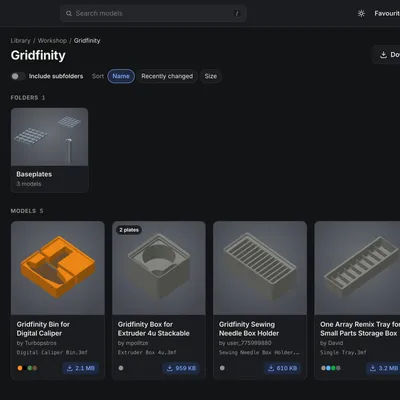
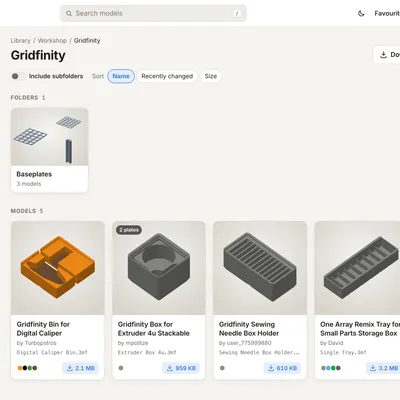
Slicers and file browsers don’t show what’s inside a 3MF. If your models live in folders on a NAS or in a synced cloud folder, finding “that box with the hinged lid” means opening files one by one. 3MF Library reads the previews the slicer already stored in each file and turns the folder into something you can browse, search and print from, on your computer and on your phone.
Previews from the files themselves
Bambu Studio, OrcaSlicer and PrusaSlicer store plate images in every 3MF; MakerWorld downloads add photos and a description. STLs and image-less 3MFs get a rendered preview.
Your folders, as they are
No importing, no tags, no database to maintain. The folder structure on disk is the organisation; the library is mounted read-only.
A page per model
All plates, photos, description, print time, filament and colours, and a 3D viewer you can rotate on any device.
Find things fast
Search names, titles, designers and part names; sort and filter by type; see everything in a kit at once.
Straight to your slicer
Open in Bambu Studio, OrcaSlicer, Cura and more, or have your slicer open the synced original on your own computer.
Made for home servers
One small container for amd64 and arm64. No login needed at home, accounts for everywhere else.