
What it is
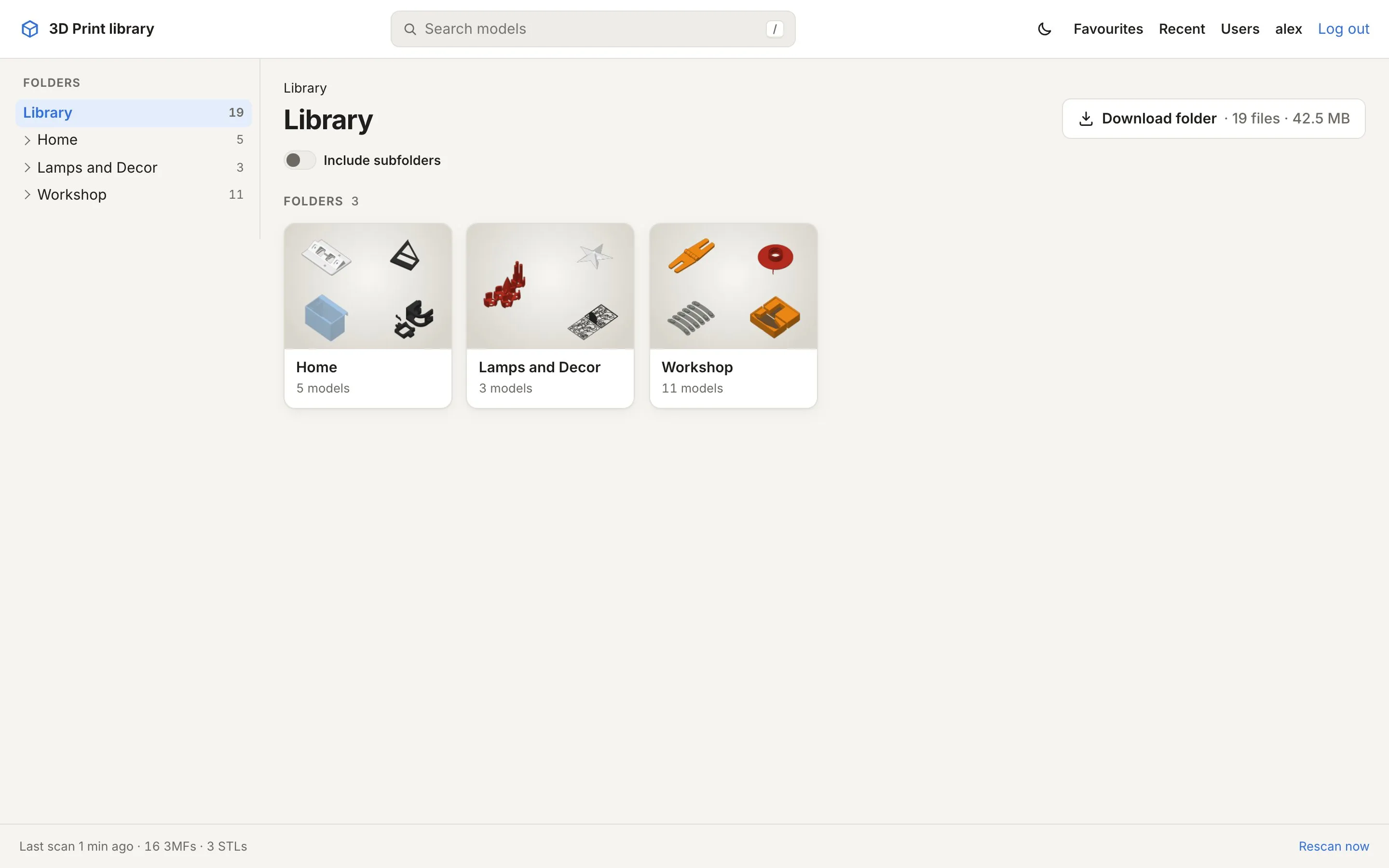
3MF Library is a self-hosted website for a folder of 3D print files. You point it at the folder where your 3MF and STL files live, and it gives you a fast, good-looking way to browse, preview, search and print them, from any browser, including your phone.
What it does
Section titled “What it does”- Shows your folders exactly as they are on disk. Every folder gets a tile with a mosaic of what’s inside; every model gets a card with its preview, title, designer, colours and size.
- Uses the previews that are already in your files. Slicers store images of each plate in the 3MF; MakerWorld downloads also contain photos, a description, the designer and the licence. 3MF Library reads all of that. Only STLs and 3MFs without images get a rendered preview.
- Gives every model its own page with all plates, photos, the description, print time and filament per plate, and an interactive 3D view.
- Finds things: search across names, titles, designers, folders and part names, with sorting and a 3MF/STL filter.
- Gets files to your printer: download a file or a whole folder as ZIP, or open the model in your slicer directly.
- Keeps working on its own: it checks the folder every few minutes and picks up new, changed and removed files.
What it doesn’t do
Section titled “What it doesn’t do”- It never changes your files. The library is mounted read-only. There’s no upload, rename, move or delete.
- It doesn’t reorganise anything. No tags, collections or “projects”: the folders are the organisation. If you want something in another place, move it in your file system or sync tool and the site follows.
- It isn’t a slicer or a print manager. It hands files to your slicer; slicing and printing happen there.
What you need
Section titled “What you need”- A machine that runs Docker with Compose: a home server, a NAS that runs containers, a Raspberry Pi 4/5, a small VM. Images are published for amd64 and arm64.
- Your models in a folder that machine can read: a local folder, or an NFS share from a NAS.
- About 1 GB of memory for normal use. Opening very large models in the 3D viewer temporarily needs more; the container is capped at 3 GB by default.
Ready? Continue with the quick start.